
New in Gumshoe!
Three frequently requested updates just landed.
Here's what's new:
PDF Report Export
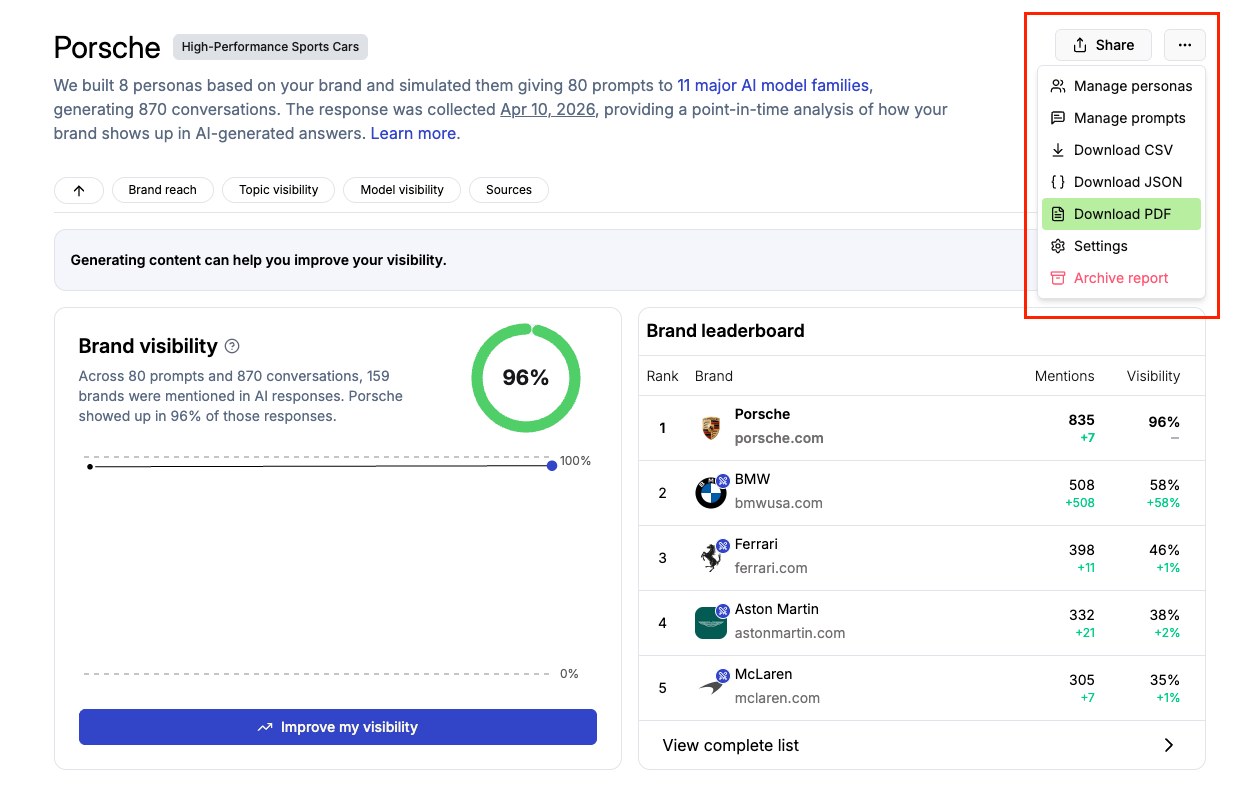
Any report run can now be exported as a PDF. Click the export button in the action menu to download a multi-page summary covering your run overview, trend chart, leaderboard, heatmaps, personas, topics, and sources. Drop it in a deck or attach it to an email without needing to reformat anything.
Read the details to learn more.
Upgrade a Sample Report to a Full Report
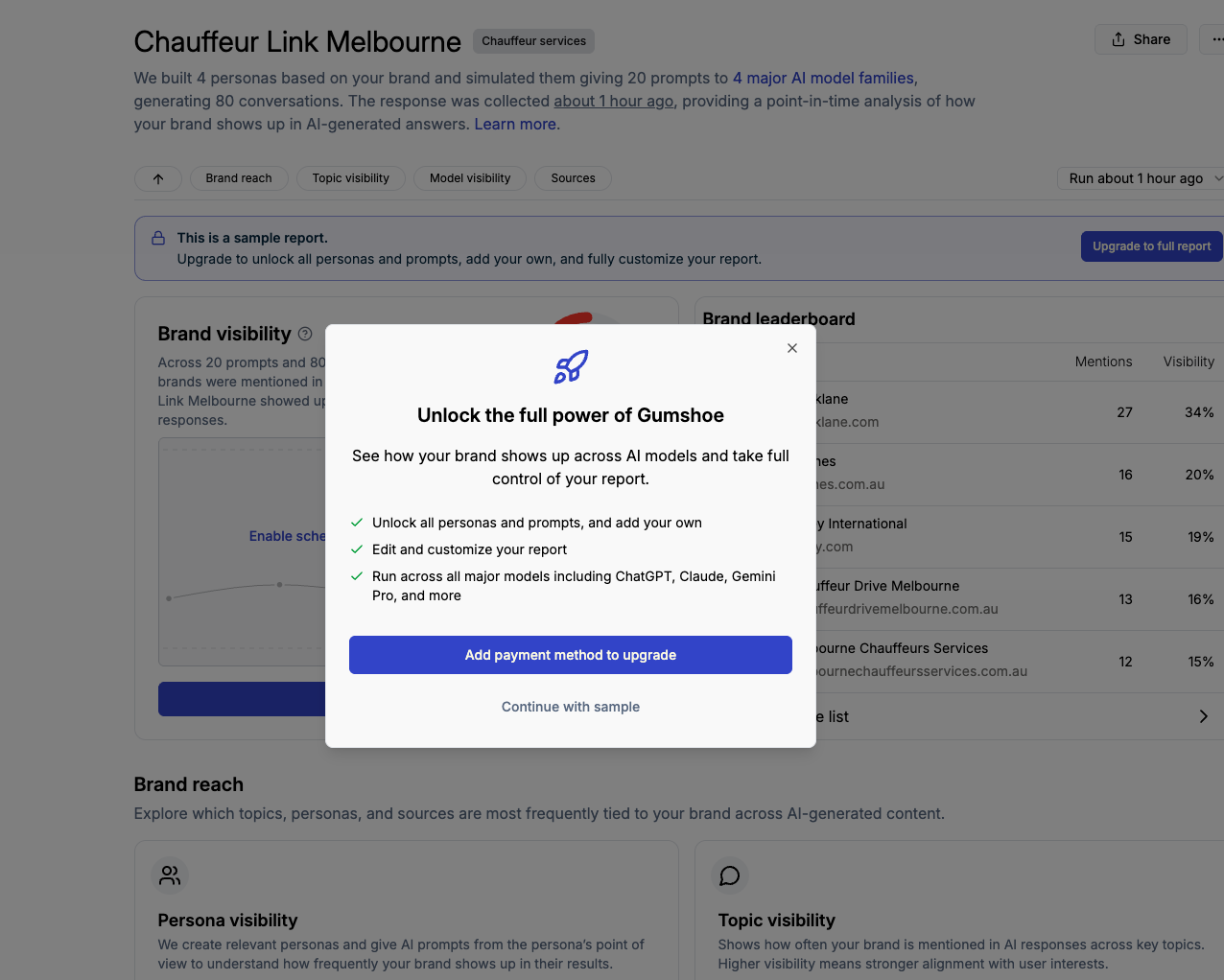
If you started with a smaller sample report, you can now upgrade to a full report without having to start over. Look for the upgrade banner on your report or wizard page and complete checkout. Your sample upgrades in place, keeping your original personas, topics, and questions, so you can kick off your first full run right away.
For more on this feature, visit our Help Center here.
Smarter Analysis Focus Suggestions
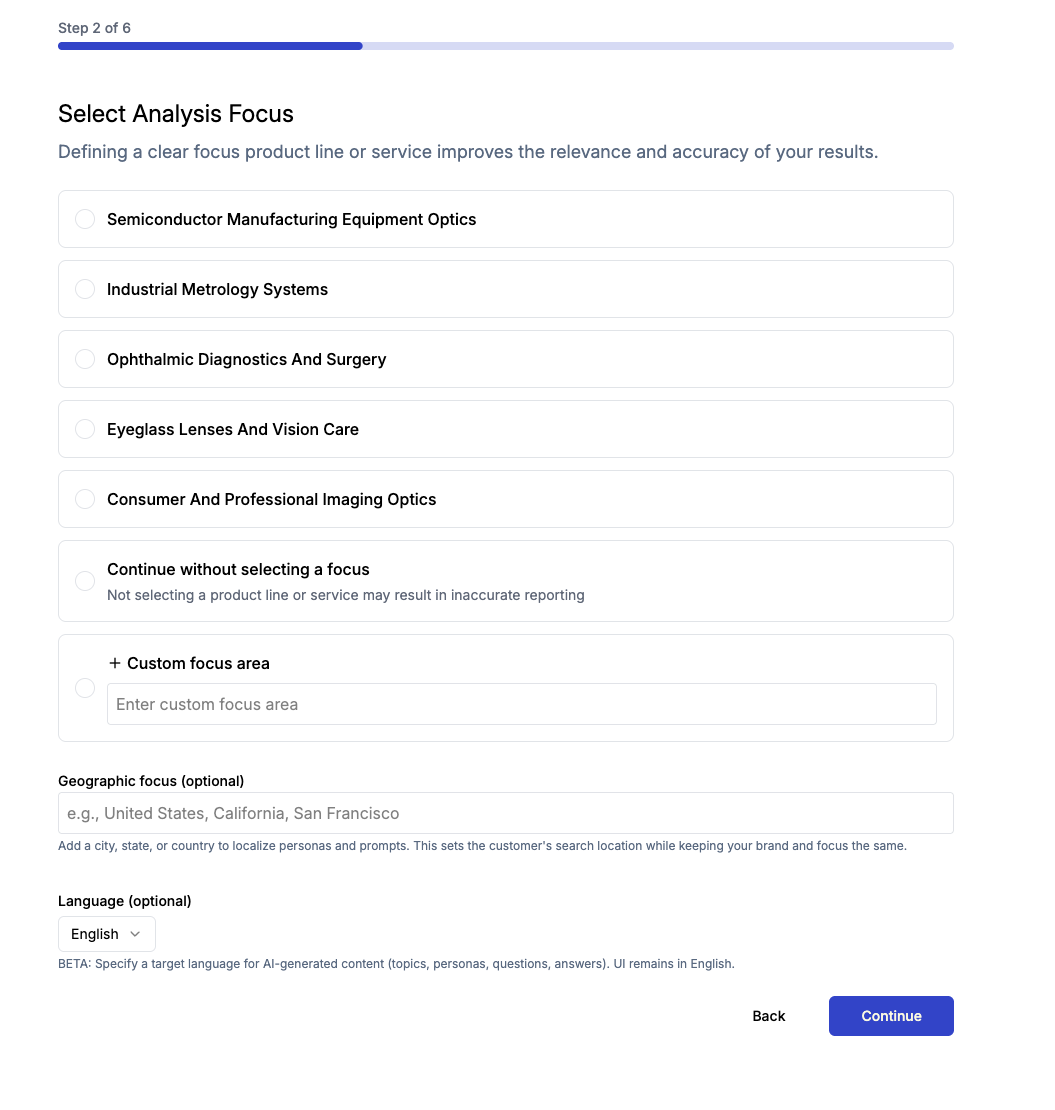
When you’re setting up a report, the Analysis Focus suggestions you see are based on your brand name, URL, and summary. Previously, if you went back and changed any of those details, the suggestions stayed the same. Now they automatically regenerate to match your updates, so you're always working with relevant options.
Click here for more details.
All three features are live. Log in at app.gumshoe.ai to try them, or reply here if you'd like a walkthrough.
Until next time,
The Gumshoe Team